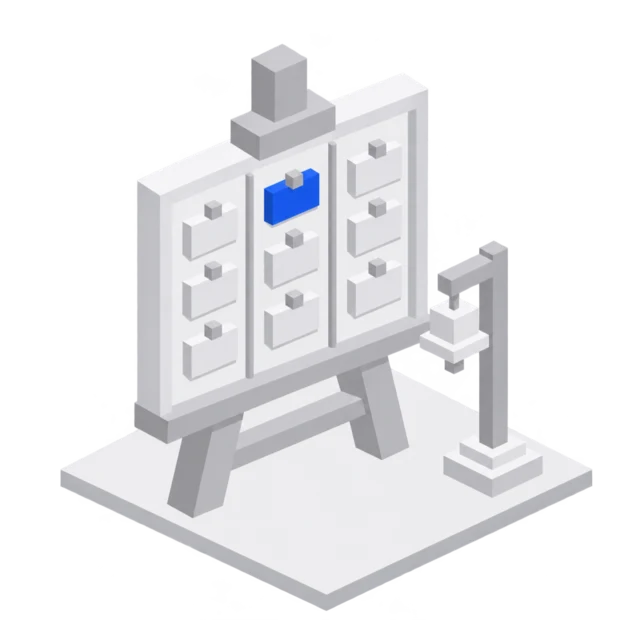
Deal board and alerts
See active deals first.
You get an alert when a reader opens a link. The deal board shows the deals with recent reader activity first.
Free for one seat. Readers never pay.
Board
Sort deals by activity.
Each column is a stage. In a column, the deal with the most recent reader comes first.
- Drag a deal to another stage.
- A deal with a reader on the page shows the mark Reading now.
- Filter the board on your own deals or on visits this week.
Alerts
Alerts by email and Slack.
Phase sends you an email when a reader opens your link. You can send the same alerts to a Slack channel.
- A daily digest shows each pitch as a card with the first slide, the seconds per slide as bars and the readers.
- You get an alert for a forwarded link, a question and an access request.
- Each member sets their own alerts.
Readers
One page per reader.
You see every visit of one reader across your pitches on one page.
- Add notes to a reader.
- Set a reminder for the next contact.
- Search for deals, pitches and readers.
On the Team plan you connect HubSpot, Pipedrive or Salesforce. Your deals and contacts come from the CRM, and each visit shows on the contact.


Stages you name
Edit the stages to match your own sales steps.
Slack in one step
Paste a Slack webhook address in the settings.
One board per workspace
On Team, every member sees the board of the workspace.
Your questions answered
Is the board a CRM?
No. The board shows deals and their reader activity. The board has no forecast and no revenue reports.
Can I use Phase with my CRM?
Yes, on the Team plan. Connect HubSpot, Pipedrive or Salesforce. The stages of your CRM become the columns of the board.
Can I switch alerts off?
Yes. Each member switches each kind of alert on or off.
Send your first tracked link today
Free for one seat. New workspaces get 14 days of the Team plan without a card.